
Fishing
In short
Fishing in GTA VI uses L2, R2 and the sticks: you grip the rod with L2, cast with R2, lure fish by rotating slowly and reel them in by rotating quickly.
How it works
Section titled “How it works”- Grip the rod. «Hold L2 to grip the rod».
- Pull back. Hold R2 to pull the rod back.
- Cast. Release R2 to cast the line.
- Lure and hook. Rotate the stick slowly to lure fish and press R2 when one bites.
- Control the fish. While the fish is struggling you control it with the left stick.
- Reel in. When the fish is tired, rotate the stick quickly to reel it in.
Good to know
Section titled “Good to know”- After a catch the game shows a card with name and weight, for example a Spanish mackerel of 692 g marked as a new record. You choose to keep the fish or throw it back.
- You can reel the line back in to cancel a cast.
- Focus mode shows where the fish are, see Controls: the basics.
- In one playthrough a message announced that focus had reached level 2 of 4 while fishing.
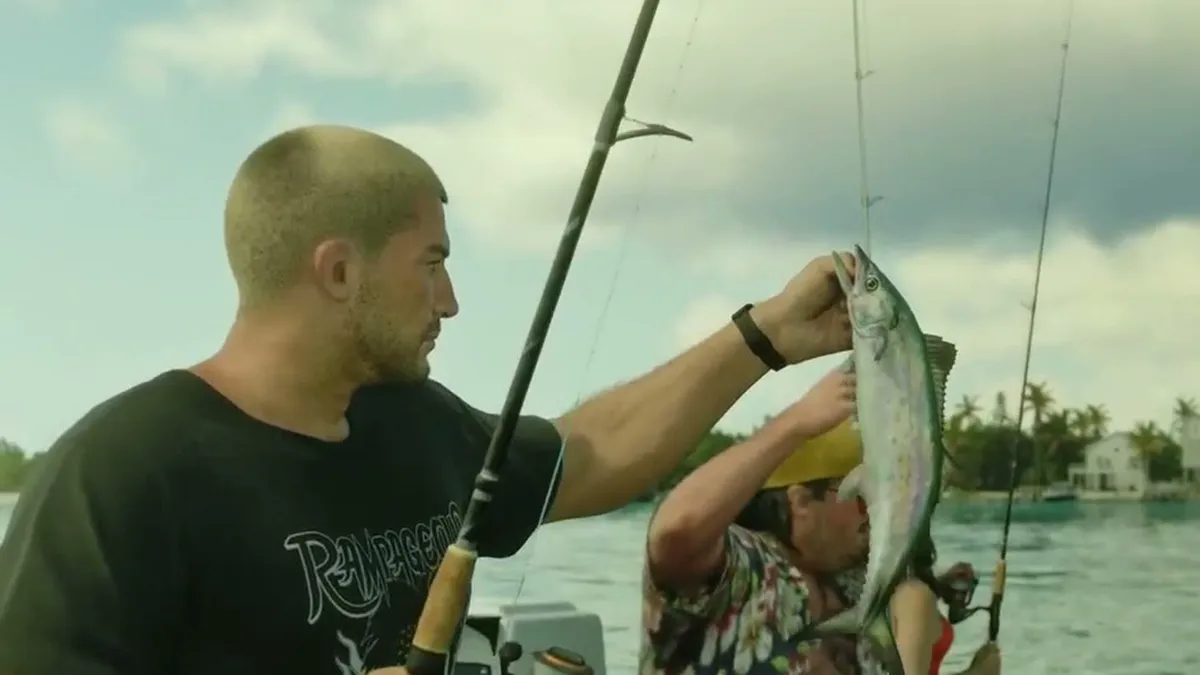
- You first go fishing in the mission Recalibration, from a boat.
- You can change how reeling works: the gameplay tab of the settings has a fishing entry with three options; in one playthrough it was set to rotating the stick.
Fish species
Section titled “Fish species”| Fish | Details |
|---|---|
| Spanish mackerel | catch card with a new record of 692 g, a second catch with a new record of 738 g; afterwards focus +10 % |
| Green parrotfish | Cal challenges you: the activities section of the map menu lists the entry Catch a Bigger Fish (Fange einen grösseren Fisch). You are to catch a green parrotfish of «mehr als 0,9 kg» (more than 0.9 kg). Before that Cal sends a catch of his own, a fish of 2 pounds, boasting that there are parrotfish everywhere and daring you to beat it. This also unlocks a fishing spot on the map |
In this playthrough the weights were shown in grams and kilograms. You find the fishing spots in the map menu under activities, hunting and fishing. Other animals are listed under Animals, more pastimes under Activities and minigames.
Comments
Loading comments …